

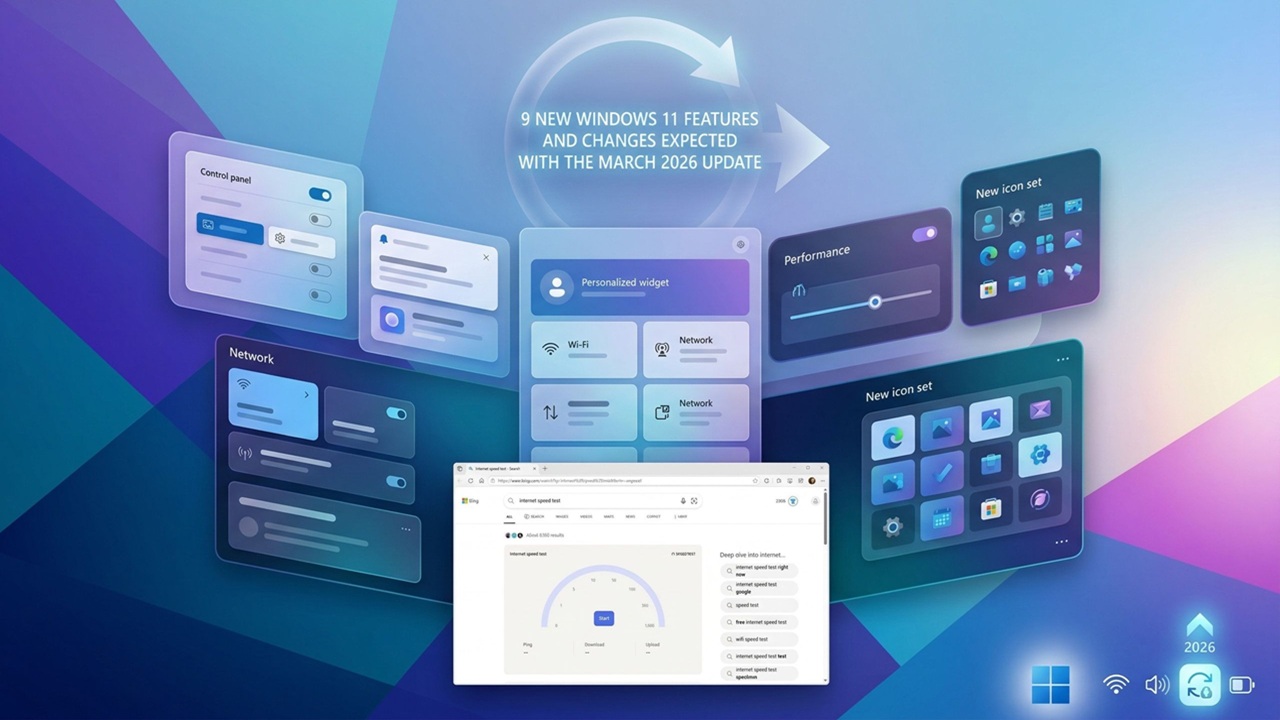
Microsoft continues to refine Windows 11 with regular updates, but the March 2026 update feels more meaningful than most. It is not just another routine patch. Instead, it introduces a mix of visible upgrades, behind the scenes optimizations, and subtle changes that improve everyday usability.
If you use Windows 11 for work, gaming, or general browsing, this update quietly enhances your experience in ways you might not immediately notice. From improved AI integrations to system performance boosts and new interface tweaks, there is a lot happening under the surface.
In this article, we will break down everything included in the Windows 11 March 2026 update, including new features, key fixes, and hidden improvements that could impact how you use your PC.
Overview of the Windows 11 March 2026 Update
The March 2026 update is part of Microsoft’s ongoing commitment to making Windows 11 smarter, faster, and more adaptive. It focuses on three main areas:
- AI powered enhancements across the system
- Performance and stability improvements
- User interface refinements and customization
Unlike major annual releases, this update is more about polishing the experience rather than introducing a completely new version. However, the cumulative impact is noticeable.
New Features Introduced in March 2026
1. Smarter AI Integration Across the OS
One of the biggest highlights is deeper AI integration. Microsoft has continued expanding its AI assistant capabilities, making them more useful in everyday tasks.
Users can now:
- Summarize documents directly from File Explorer
- Generate quick responses in system apps
- Get contextual suggestions based on activity
This shift shows Microsoft’s vision of turning Windows into a more proactive operating system rather than just a reactive one.
2. Improved File Explorer Experience
File Explorer has received a subtle but important upgrade. While it may look similar at first glance, several improvements make navigation smoother.
Key updates include:
- Faster loading times for large folders
- Enhanced search accuracy
- New preview options for files
These changes may seem small, but they significantly improve productivity, especially for users dealing with large amounts of data.
3. Enhanced Snap Layouts and Multitasking
Multitasking has always been a strong feature of Windows 11, and the March 2026 update builds on that foundation.
New additions include:
- More flexible Snap Layout options
- Better memory of window arrangements
- Improved performance when switching between layouts
For users who work with multiple apps at once, this is a welcome improvement that makes workflow smoother.
4. Updates to the Settings App
Microsoft has continued refining the Settings app to make it more intuitive.
Changes include:
- Cleaner layout with improved navigation
- Faster load times
- Better categorization of options
These updates reduce the time users spend searching for specific settings, which has been a common frustration in earlier versions.
5. Gaming Performance Enhancements
Gamers will appreciate the optimizations included in this update.
Highlights:
- Improved DirectX performance
- Reduced latency in supported titles
- Better resource allocation for background processes
While not a major gaming overhaul, these improvements contribute to a smoother and more stable gaming experience.
Key Bug Fixes and Stability Improvements
Every Windows update aims to fix existing issues, and the March 2026 update is no exception. Microsoft has addressed several common problems reported by users.
Common Fixes Include:
- Resolution of random system crashes
- Fixes for Bluetooth connectivity issues
- Improved WiFi stability
- Reduced CPU usage spikes in idle mode
These fixes may not grab headlines, but they play a crucial role in making Windows 11 more reliable.
Hidden Changes You Might Not Notice
Not all improvements are announced clearly. Some of the most impactful updates are hidden behind the scenes.
1. Background Process Optimization
Microsoft has fine tuned how background apps use system resources. This results in:
- Better battery life on laptops
- Reduced unnecessary CPU usage
- Improved system responsiveness
2. Security Enhancements
Security remains a top priority, and this update includes several silent upgrades.
- Improved protection against modern threats
- Enhanced encryption processes
- Faster security scans
These changes help protect user data without requiring any action from the user.
3. Faster Update Installation
One of the most noticeable improvements is quicker update installation times.
Users can expect:
- Reduced downtime during updates
- Faster system restarts
- Smaller update package sizes
This makes the update process less disruptive compared to older versions of Windows.
4. Improved Touch and Tablet Experience
For users with touch enabled devices, Microsoft has made subtle improvements.
- More responsive touch gestures
- Better on screen keyboard performance
- Improved tablet mode transitions
These updates enhance usability for hybrid devices.
Performance Improvements in Daily Use
After installing the March 2026 update, many users report a smoother overall experience.
You may notice:
- Faster boot times
- Quicker app launches
- Reduced lag during heavy multitasking
While these improvements are incremental, they add up to a more responsive system over time.
Compatibility and System Requirements
The update is available for all supported Windows 11 devices. If your system is already running Windows 11, you should be able to install it without issues.
However, it is always recommended to:
- Check for driver updates
- Ensure sufficient storage space
- Back up important files before updating
These steps help prevent potential issues during installation.
How to Install the March 2026 Update
Updating your system is straightforward.
- Open Settings
- Go to Windows Update
- Click on Check for updates
- Download and install the latest update
Make sure your device is connected to a stable internet connection and has enough battery or power supply.
Pros and Cons of the Update
Pros
- Improved performance and stability
- Better AI integration
- Enhanced multitasking features
- Faster system operations
Cons
- Some features may not be available on all devices
- Minor UI changes may take time to adjust
- Occasional bugs may still appear
Should You Update Right Away?
For most users, installing the March 2026 update is a good idea. It improves system performance, fixes known issues, and introduces useful enhancements.
However, if you rely on specific software for work, you may want to wait a few days to ensure compatibility.
What This Update Means for the Future of Windows 11
The March 2026 update reflects Microsoft’s long term strategy. Instead of releasing massive changes all at once, the company is gradually improving Windows through smaller, more frequent updates.
The focus on AI, performance, and user experience suggests that future updates will continue in this direction.
We are likely to see:
- Even deeper AI integration
- More personalized user experiences
- Continued performance optimization
Final Thoughts
The Windows 11 March 2026 update may not look revolutionary at first glance, but it plays an important role in refining the operating system.
With better performance, smarter features, and important bug fixes, it improves the overall user experience in meaningful ways. Whether you are a casual user or a power user, these changes help make daily computing smoother and more efficient.
If you have not updated yet, it is worth checking out what this latest release has to offer.