

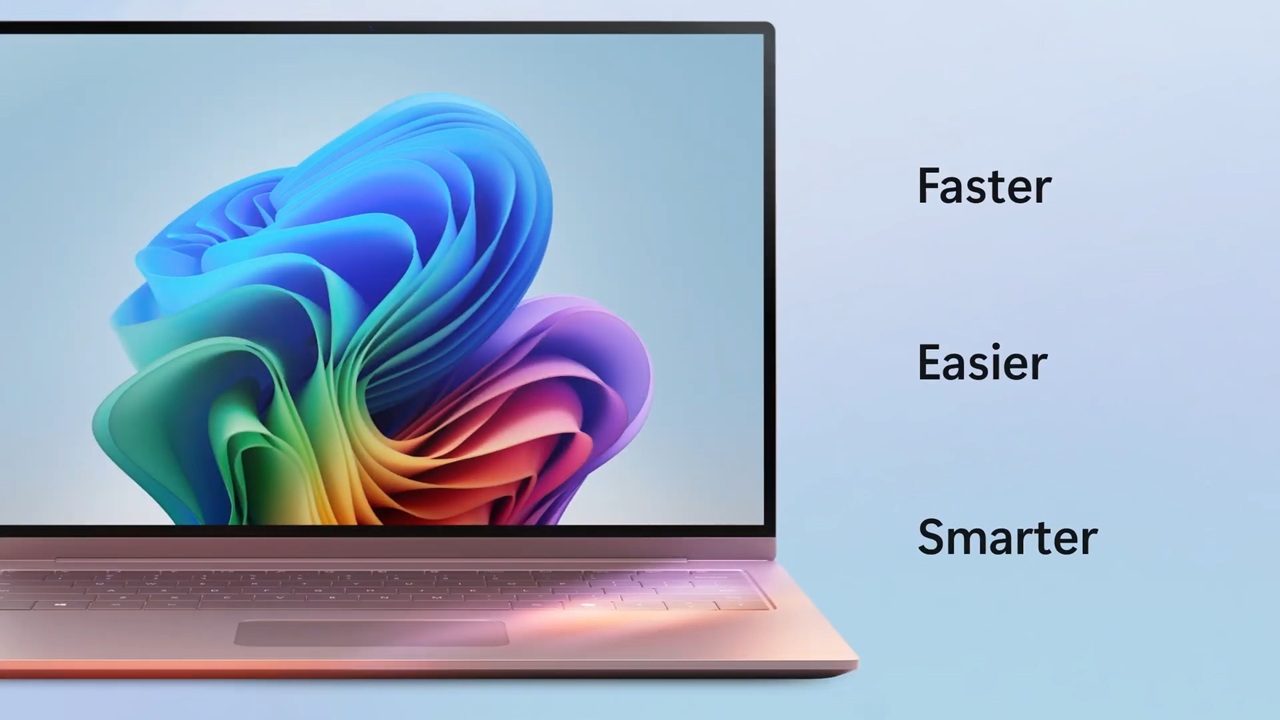
Over the past few years, Microsoft has steadily refined Windows 11, turning it into a smarter, faster, and more user-friendly platform. With the 2026 update now officially confirmed in Microsoft’s roadmap, the focus is clearer than ever: deeper AI integration, stronger security, smoother performance, and a more personalized user experience.
This isn’t just another routine update. It’s a meaningful leap forward, especially with artificial intelligence taking center stage. From smarter system tools to subtle design changes that actually improve daily use, this release aims to make your PC feel more intuitive.
In this guide, we’ll walk through all 18 confirmed features—what they do, why they matter, and how they’ll impact real users like you.
Quick Summary: All 18 Features at a Glance
Here’s a quick overview of everything coming in the 2026 Windows 11 update:
- AI Copilot upgrades with deeper system integration
- Smarter AI-powered file search
- Automatic system optimization using AI
- Built-in AI writing and productivity tools
- Redesigned Start Menu
- Dynamic taskbar enhancements
- Improved widgets panel
- Lock screen customization fixes
- Faster boot time
- Better RAM and memory handling
- Background app optimization
- Improved gaming performance
- Advanced AI-powered security protection
- Enhanced privacy dashboard
- Better app permission control
- FAT32 support up to 2TB
- Faster File Explorer with improved tabs
- Improved networking, Bluetooth, and connectivity
AI-Powered Features (Major Focus Area)
AI Copilot Upgrades
The biggest highlight is the evolution of Microsoft Copilot. It’s no longer just a side assistant—it’s becoming part of the system itself. You’ll be able to adjust settings, summarize files, and even automate tasks just by asking.
Smart File Search with AI
Searching for files is finally getting smarter. Instead of remembering exact file names, you can search using context like “presentation from last week” or “photos from my trip,” and Windows will understand.
AI Auto Settings Optimization
Your PC will now learn how you use it. Over time, it will adjust performance settings, battery usage, and background activity automatically—no manual tweaking required.
AI-based Writing & Productivity Tools
Built-in writing tools are getting a boost, helping with emails, documents, and notes. Whether you’re drafting something formal or casual, AI suggestions will make the process smoother without feeling intrusive.
User Interface and Design Improvements
Redesigned Start Menu
The Start Menu is getting cleaner and more customizable. Expect better organization, smarter app suggestions, and less clutter.
Dynamic Taskbar Changes
The taskbar will now adapt based on usage. For example, frequently used apps may surface more prominently, making navigation faster.
Enhanced Widgets Panel
Widgets are becoming more useful, not just decorative. You’ll see personalized updates—weather, news, reminders—based on your habits.
Lock Screen Customization Fixes
Customization has been simplified. You’ll have more control over what appears on your lock screen without digging through complicated settings.
Performance and Speed Enhancements
Faster Boot Time
Startup speeds are being optimized, meaning your PC gets ready to use quicker than before.
Improved RAM Management
Memory usage is more efficient now. Apps won’t hog resources unnecessarily, leading to smoother multitasking.
Background App Optimization
Background processes are better controlled, reducing unnecessary CPU usage and improving battery life.
Better Gaming Performance
Even without high-end hardware, you’ll notice more stable performance in games, thanks to system-level optimizations.
Security and Privacy Upgrades
Advanced Windows Defender AI Protection
Security tools are now smarter, using AI to detect threats before they cause harm. This adds an extra layer of real-time protection.
Privacy Dashboard Improvements
The privacy dashboard is easier to understand, showing exactly how apps use your data.
App Permission Transparency
You’ll get clearer prompts when apps request access to your camera, microphone, or files—no more guessing.
Secure Login Enhancements
Login methods are being refined, making them both faster and more secure, especially with biometric options.
File System and Storage Improvements
FAT32 2TB Support
A long-awaited change—FAT32 now supports drives up to 2TB, making it far more practical for modern storage needs.
Improved File Explorer Tabs
Tabs in File Explorer feel smoother and more responsive, making file management less frustrating.
Faster File Indexing
Searching and accessing files happens quicker thanks to improved indexing.
Networking and Connectivity Updates
Wi-Fi Stability Fixes
Connection drops and slow speeds are being addressed, especially in crowded networks.
Better Bluetooth Device Handling
Pairing devices like headphones and keyboards is now more reliable and faster.
Network Data Usage Fix
Data tracking is more accurate, helping you monitor and control usage more effectively.
Gaming Features in Windows 11 (2026)
Auto HDR Improvements
Visual quality in games gets a noticeable upgrade with better HDR rendering.
DirectStorage Enhancements
Games load faster, especially on SSDs, reducing wait times and improving immersion.
Xbox Integration Updates
Integration with Xbox services is smoother, making it easier to sync progress and access games.
Accessibility Improvements
Voice Access Upgrades
Voice commands are more accurate and responsive, making hands-free control easier.
Real-Time Caption Improvements
Captions are more precise and support more scenarios, including live conversations.
Better Screen Reader Support
Screen readers are getting performance and accuracy improvements, helping visually impaired users navigate more easily.
Removed or Deprecated Features
Not everything is staying. Some older features are being phased out to make room for newer, more efficient tools.
For example, certain Copilot buttons in apps may be removed or replaced with more integrated solutions. Legacy components that no longer align with modern security and performance standards are also being retired.
This helps keep the system cleaner and easier to maintain in the long run.
Who Should Upgrade to This Version?
This update is designed for a wide range of users:
- Gamers will benefit from performance boosts and faster load times
- Professionals will appreciate AI productivity tools and improved multitasking
- Students can use smarter search and writing tools for daily tasks
- General users will notice a smoother, faster, and more intuitive system overall
If you use your PC regularly, this update is likely worth it.
Windows 11 2026 Release Date and Availability
The rollout is expected to begin in phases, starting with Insider builds before reaching stable users.
Typically, Microsoft releases major updates in the second half of the year, so a late 2026 public release is likely. Early testers will get access sooner through the Insider Program.
Expert Insights: What These Changes Mean for Users
What stands out in this update is how quietly powerful it is. Instead of flashy changes, many improvements focus on everyday usability.
AI features, for example, don’t feel forced—they’re designed to reduce small frustrations, like searching for files or adjusting settings. Performance upgrades may not always be visible, but you’ll feel them in smoother multitasking and faster response times.
Security improvements also play a big role, especially as threats become more advanced. Overall, this update feels like a step toward a smarter, more responsive operating system rather than just a visual refresh.
FAQs
What are the biggest Windows 11 features in 2026?
The biggest highlights include AI-powered Copilot upgrades, smarter file search, improved performance, and enhanced security features.
Is Windows 11 getting AI improvements?
Yes, AI is a major focus. From system optimization to writing tools, AI is being integrated across multiple areas.
When will the update be released?
The update is expected to roll out in late 2026, with early access available through Insider builds.
Will old PCs support new features?
Some features, especially AI-based ones, may require newer hardware. However, most improvements will still work on supported Windows 11 devices.
Is it worth upgrading?
For most users, yes. The combination of performance improvements, better security, and AI tools makes it a meaningful upgrade.
Conclusion
The 2026 update for Windows 11 isn’t about dramatic changes—it’s about making everyday computing better. With 18 confirmed features spanning AI, performance, security, and design, the update feels thoughtful rather than overwhelming.
Whether you’re working, studying, or gaming, these improvements aim to make your experience smoother and more efficient. If you’ve been waiting for Windows 12 Iso Download to feel more complete, this update might be the one that gets it there.